
How to Use the NYC Subway for the First Time — The Complete Beginner’s Guide


How to Use the NYC Subway for the First Time — The Complete Beginner’s Guide
AZ New York created this official subway beginner’s guide to help tourists and locals move confidently across New York City — with real data, official sources, and smart navigation tips for 2025.
Introduction
Arriving in New York City can feel overwhelming — the rhythm, the lights, the crowds. But once you learn how to use the subway, the entire city becomes accessible.
This guide from AZ New York shows exactly how to navigate the system — using information from MTA, verified tips, and local insight to make your first ride easy and unforgettable.
🗺️ Step 1 — Understanding the NYC Subway Map
The official MTA Subway Map connects all five boroughs —
Manhattan,
Brooklyn,
Queens,
The Bronx, and
Staten Island.


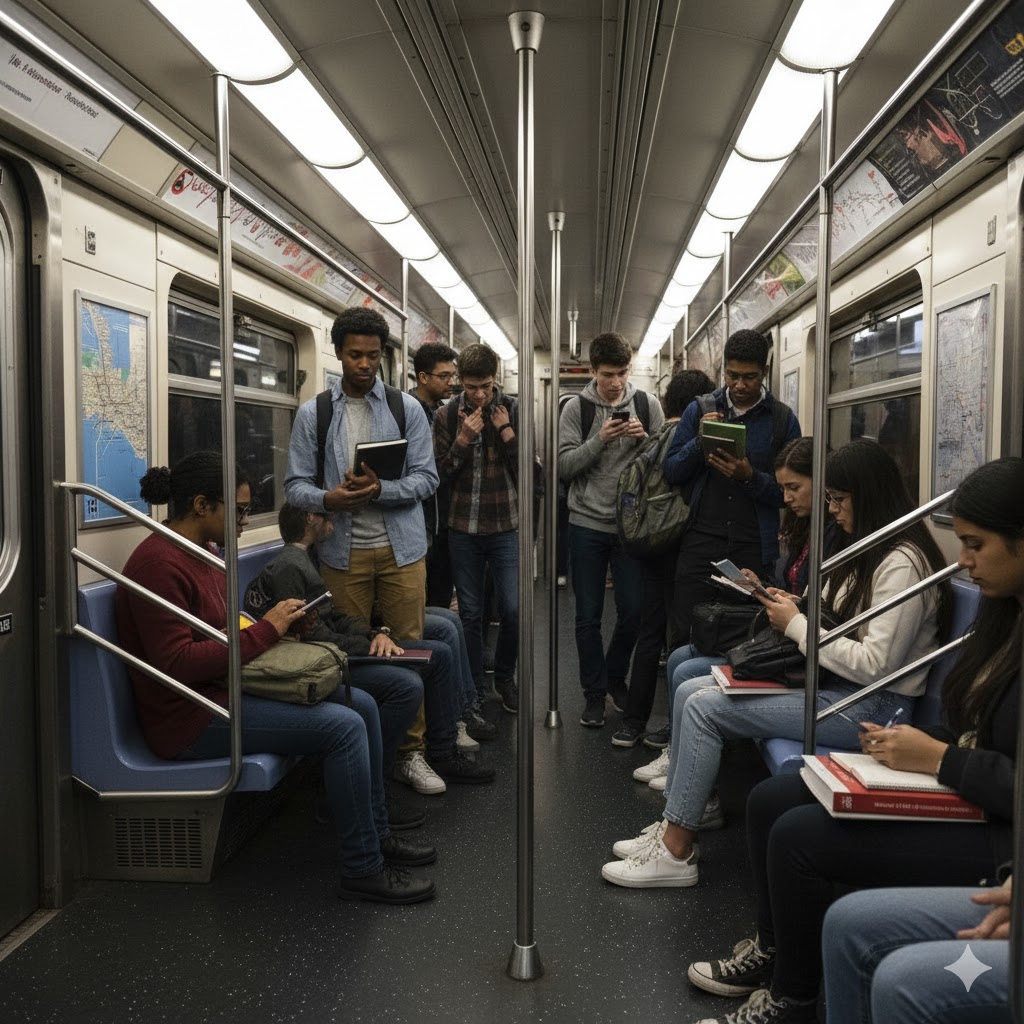




Each color represents a line group, and each direction is either Uptown or Downtown. Check MTA Live Map for real-time train positions before leaving your hotel.
🎟️ Step 2 — Paying for Your Ride
There are two payment options in 2025:
- OMNY: Tap your card, phone, or smartwatch at the gate reader. One ride is $2.90, with a $34 weekly cap after 12 rides. Free transfers within two hours.
- MetroCard: The traditional yellow card (being phased out by 2026). Weekly unlimited rides cost $34.
Check fares and updates at the MTA Fares & Passes page.
🚆 Step 3 — Choosing the Right Train
Every station has two directions: Uptown or Downtown. For example, if you’re in Manhattan heading to Times Square, take lines 1, 2, 3, N, Q, R, or W. For Queens or Brooklyn, check digital displays — Express trains skip stops, Local trains stop at all.
🧭 Step 4 — Transfers and Connections
Transfers are free within two hours of your first tap. Major transfer points: Times Sq–42 St / Port Authority, Fulton Center, and Atlantic Av–Barclays Center. Follow colored arrows and letter indicators on station walls to move between lines easily.
🧳 Step 5 — Accessibility and Luggage
Use elevators marked with ♿. Check MTA Accessibility for full details. Accessible hubs include Hudson Yards, Fulton Street, and Barclays Center. For luggage or strollers, request gate assistance from station staff.
⚠️ Step 6 — Common Problems & Quick Fixes
- Missed stop: Exit at the next station and cross to the opposite track.
- Service change: Always check MTA Alerts before you go.
- No signal: Use Citymapper or Google Maps offline.
📱 Step 7 — Best Apps for Navigation
- MTA Live Map — official real-time system map.
- Citymapper — fast route planner for subway, bus, and walking.
- Transit App — crowding and arrival predictions.
- Google Maps Offline — great for tourists with no internet.
👀 Real Example — A First Ride That Worked
Lucas from São Paulo landed at JFK, took the AirTrain, tapped OMNY, and caught the E train through Queens. He reached Midtown Manhattan in under an hour, spending only $11 in total.
💡 Local Etiquette
- Let passengers exit before you board.
- Stand right, walk left on escalators.
- Never block doors.
- Avoid empty cars during rush hour — locals know why.
AZ New York helps you explore smarter — the city’s heartbeat starts underground.





One Comment